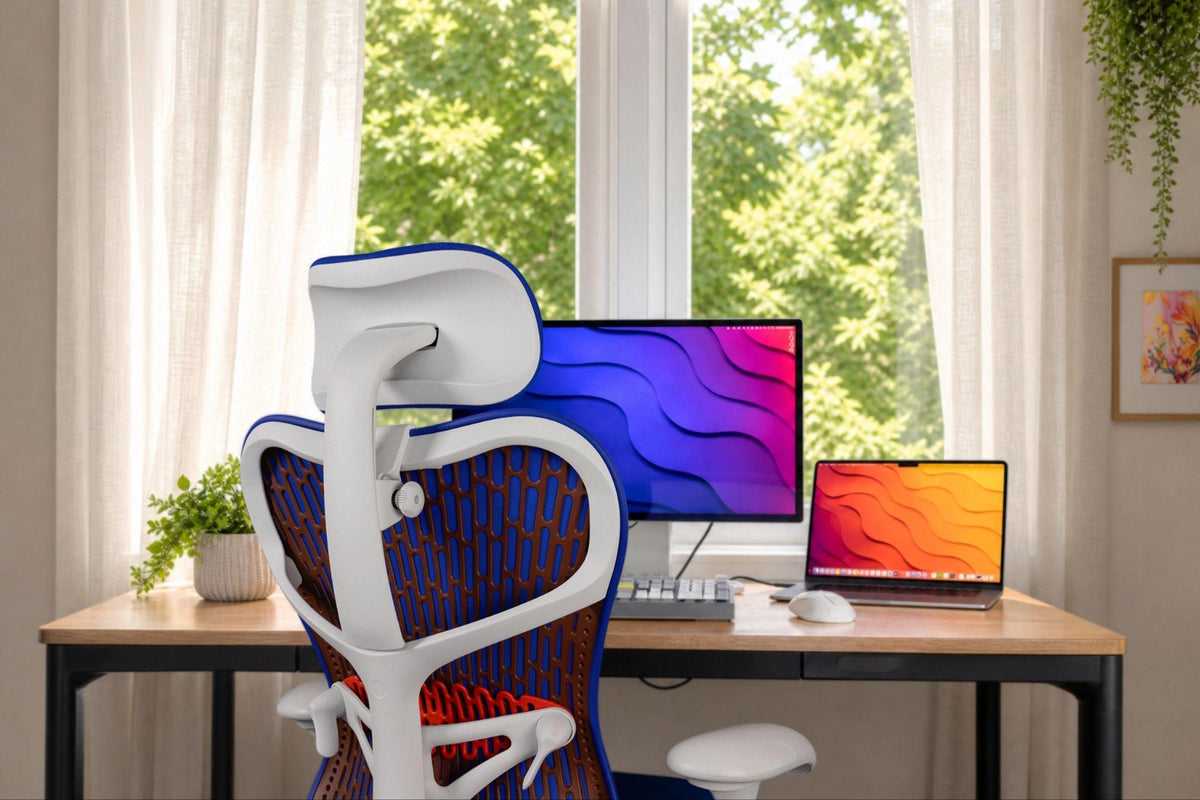


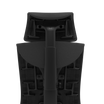
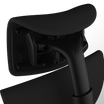
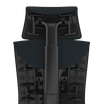
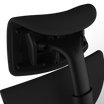

The Herman Miller Embody has a distinctive design, a flexible backrest, and a reputation for supporting long hours at a desk. Yet one accessory is conspicuously absent: a headrest.
Herman Miller has never offered an official Embody headrest. Its reasoning is deliberate: the company designs its chairs around pelvic and spinal support rather than head support.
For owners who prefer to lean back between tasks, that leaves a practical question. Can you add a headrest to an Embody, and how do you choose one that suits the chair?
Atlas Headrest makes headrests specifically for the standard Embody and Embody Gaming chairs. Fabric, frame color, and backrest configuration all matter when selecting one. Here’s what Embody owners should know.
Why Doesn’t Herman Miller Make a Headrest for the Embody?
Herman Miller’s approach to headrests reflects its broader chair-design philosophy. The company emphasizes supporting the pelvis and spine to help users maintain a balanced seated position.
In explaining why Herman Miller chairs don’t have headrests, the company also points to differences in people’s anatomy. Height, neck length, and preferred sitting positions vary, making it difficult to design a single headrest that suits everyone.
The Embody follows this philosophy. Its tunable central spine, flexible ribs, and adjustable backrest are designed to respond to the user’s body and movement.
That approach works well for many owners, but preferences differ. Some people spend most of their working day upright; others regularly recline to read, watch a video, or take a break. Those who want additional head support may prefer an accessory that accommodates their habits.
Herman Miller’s decision not to offer one is a design position, not a warning that an Embody cannot work with a headrest.
Can You Add a Headrest to a Herman Miller Embody?

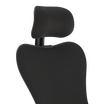
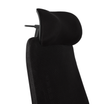
Yes. Atlas Headrest makes an aftermarket headrest designed specifically for the Herman Miller Embody, with options for the standard and gaming versions.
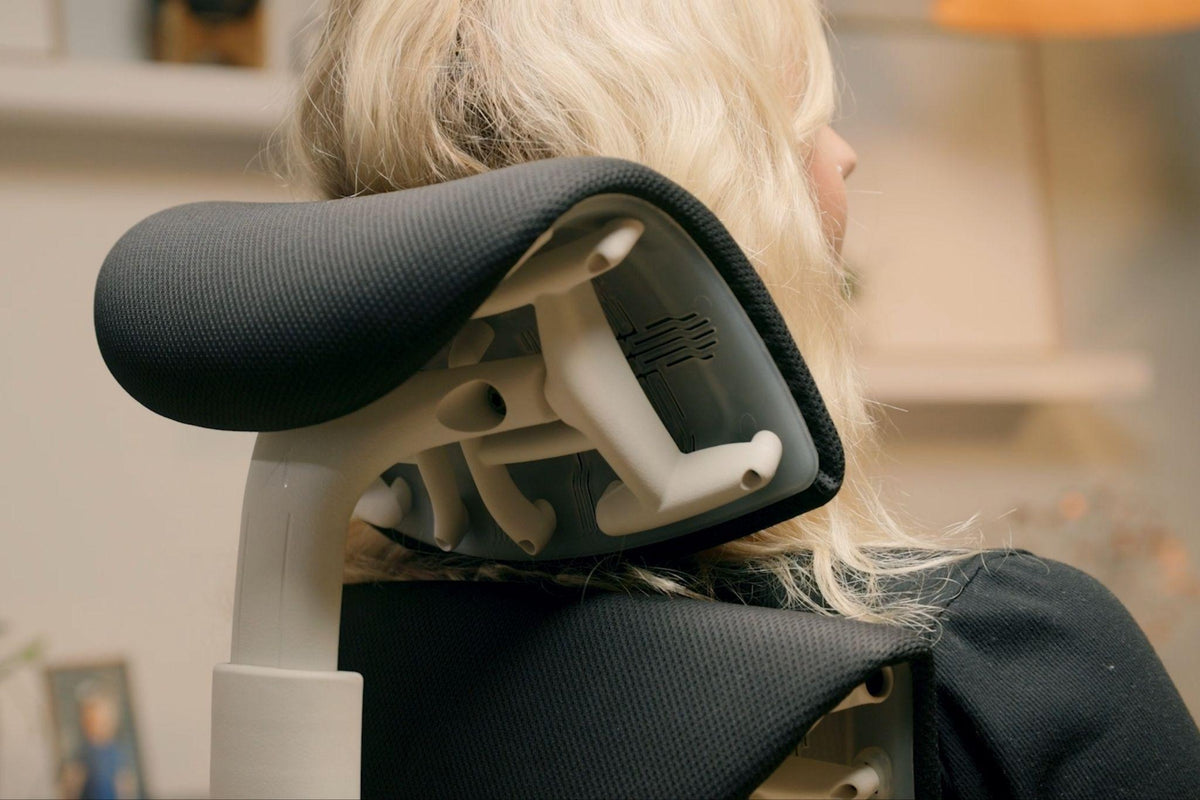
The design is engineered around the Embody’s structure and mounting requirements. That matters because a headrest made for another office chair may use an entirely different attachment system.
Atlas offers adjustable headrest positioning, letting users find a comfortable position when reclining. How much support you want depends on how you use the chair and where you prefer the headrest to sit.
For owners who regularly lean back during the day, it offers another way to configure the chair around their preferences.
You can view the Atlas Headrest for Herman Miller Embody to see the available options.
Standard Embody or Embody Gaming: Which Atlas Headrest Do You Need?
The standard Embody and Embody Gaming share the same underlying chair platform, but their upholstery and color combinations differ. Atlas offers headrest options for both, so the main task is finding the configuration that suits your particular chair.
Three details deserve attention.
Fabric: Identify the upholstery on your Embody. Atlas offers headrest options for Sync, Medley, and Rhythm fabrics, plus gaming-specific options. Exact availability depends on the current product range.
Frame color: The standard Embody comes in different frame configurations, including graphite and white. Where available, match the frame option to keep the headrest visually consistent with the chair.
Back style: The chair’s back finish and configuration can affect which headrest option looks most appropriate. Compare your chair with Atlas’s product photographs and matching guidance.
The goal is simple: a headrest that fits and doesn't look like an afterthought.
To identify your chair’s configuration, take a look at the Atlas Embody headrest compatibility guide.
How to Match an Atlas Headrest to Your Embody’s Fabric
Fabric matching matters more than buyers expect. The Embody’s upholstery covers much of its distinctive backrest, so differences in texture and color can be noticeable.
Atlas offers headrest fabrics corresponding to selected Embody upholstery options, including Sync, Medley, and Rhythm. These materials have different textures and appearances, making the fabric name a useful starting point when selecting a finish.
Exact headrest matches are currently unavailable for some Embody fabrics, including Mercer, Scatter, and Balance. Atlas suggests alternative finishes for these chairs, so an unavailable exact match does not automatically rule out a headrest.
Find Your Embody’s Fabric and Configuration
The quickest route is Atlas’s Headrest Finder for Aeron and Embody chairs.
The tool helps identify the chair’s fabric, frame, and back style. You can use it whether or not you already know the fabric SKU.
If you prefer to inspect the chair yourself, look beneath the rounded cap at the top of the Embody’s backrest. The manufacturer’s label may show a short code next to the word FABRIC. That information can help identify the upholstery.
Photographs are useful, too. Atlas can use photos of the chair’s front and back to narrow down the fabric, frame, and backing configuration.
Once you have identified the chair, compare the available headrest options rather than relying on color alone. Two fabrics with similar shades may have noticeably different textures.
What About the Embody Gaming Chair?
The Embody Gaming needs a slightly different matching approach because of its distinctive colorways.
Developed with Logitech G, the gaming chair uses Sync fabric, including the refined Sync upholstery also found on standard Embody models. Atlas offers dedicated gaming headrest options to complement the gaming chair’s appearance.
Compare the current product photographs and configuration options before selecting a headrest.
This is particularly relevant when the chair forms part of a coordinated gaming setup. A close match can look deliberate, while a noticeably different finish may stand out against the original upholstery.
Explore the Atlas Headrest for Embody Gaming for current options and product details.
Is a Herman Miller Embody Headrest Worth It?

For some owners, yes. For others, probably not.
If you spend most of your day sitting upright and rarely recline, the Embody’s existing back support may be sufficient. A headrest is optional, not required to get value from the chair.
The case for one becomes stronger if you regularly lean back to read, watch videos, or take breaks between tasks. A properly positioned headrest gives you another adjustment option during those periods.
Appearance also plays a part. The Embody is a substantial investment, and its distinctive upholstery and frame often add to its appeal. Choosing a headrest with a suitable fabric and finish helps maintain that look.
Before deciding, consider how often you recline, whether you want extra head support, and which configuration best suits your chair.
How Difficult Is It to Install an Atlas Embody Headrest?
Atlas supplies the hardware and instructions needed to install its Embody headrest.
Use the supplied hardware and follow Atlas’s instructions. Don’t drill, adapt, or force a universal headrest onto the chair; that risks damaging the Embody and complicating any warranty claim.
The model-specific mounting system is one reason to choose a headrest designed for the Embody rather than trying to adapt an unrelated product.
For installation information, consult the Atlas Embody headrest support guide.
If you’re unsure about the chair’s configuration or the right product, resolve that question before you start installation.
Should You Add a Headrest to Your Embody?
Herman Miller’s decision not to offer an official Embody headrest reflects its design philosophy. That said, it doesn’t prevent owners from choosing an aftermarket option that suits their preferences.
Atlas offers headrests designed for the standard Embody and Embody Gaming. Fabric, frame color, and backrest configuration help you find the closest match.
Start by identifying your chair and comparing the available finishes. Browse the Atlas Embody headrest collection, and use the Headrest Finder to narrow down the configuration.