
The Herman Miller Aeron is built for long-term use, but that doesn’t mean every component will remain in the same condition forever.
Arm pads can deteriorate, cylinders can eventually stop holding their height, and other components may need replacing over time. You may also want to add a feature the original chair doesn’t provide, such as dedicated head and neck support or personal audio.
The good news is that you can address many of these needs without replacing the entire chair. The right Aeron accessory depends on what you want to change, which Aeron you own, and whether you’re replacing a worn component or adding a new function.
This guide covers practical ways to upgrade an Aeron, from replacing worn components to adding new functionality to your setup.
1. Restore Seat Height With a Replacement Gas Cylinder
If your Aeron sinks while you’re sitting in it or no longer maintains the height you set, the gas cylinder may need replacing.
Rather than replacing an otherwise functional chair, a new cylinder can restore the chair’s height adjustment and extend its useful life.
Crandall’s Herman Miller Aeron Premium Heavy Duty Replacement Gas Cylinder is designed specifically for the Aeron and is available for both Classic and Remastered models. Crandall offers different cylinder configurations based on the chair’s manufacture date, so it’s important to identify your Aeron before ordering.
What this upgrade can address
- Your chair slowly sinks while you’re sitting.
- The chair no longer maintains the height you set.
- The height adjustment is no longer functioning properly.
- The rest of the chair is still functioning well.
The replacement cylinder offers five inches of height adjustment and is backed by a two-year warranty. Crandall also provides installation instructions for both top-activated and side-activated Aeron cylinders.
When this isn’t the right solution
If your Aeron maintains its height normally but the seat simply feels too high or too low, check the chair’s existing height adjustment before replacing anything.
A replacement cylinder is intended to restore a worn or malfunctioning component, not change the overall fit of an Aeron that is already functioning correctly.
2. Replace Worn Arm Pads

Arm pads are another component that can show wear with regular use. Your forearms and elbows may come into contact with them throughout the day, and the surface can eventually become worn or damaged.
Aeron Classic Arm Pads
Crandall’s Premium Replacement Arm Pads are designed specifically for the Herman Miller Aeron Classic. The replacement set includes the left and right arm pads, allowing owners to refresh both sides at once.
Aeron Remastered Arm Pads
For the newer chair, Replacement arm pads for the Aeron Remastered.
These provide a separate option for Remastered owners rather than suggesting the Classic replacement pads will work across Aeron generations.
Signs your arm pads may need replacing
- Cracking or visible deterioration.
- Surface damage from regular use.
- Material that has become noticeably less comfortable.
- Uneven wear between the two arm pads.
If the pads themselves are in good condition but your arms feel poorly positioned, try adjusting the arm height and position before replacing anything.
If the pads are genuinely worn, however, replacing the contact surface can be a more targeted solution than replacing an otherwise functional chair.
3. Add Head and Neck Support With an Aeron Headrest
A headrest differs from the replacement components listed above.
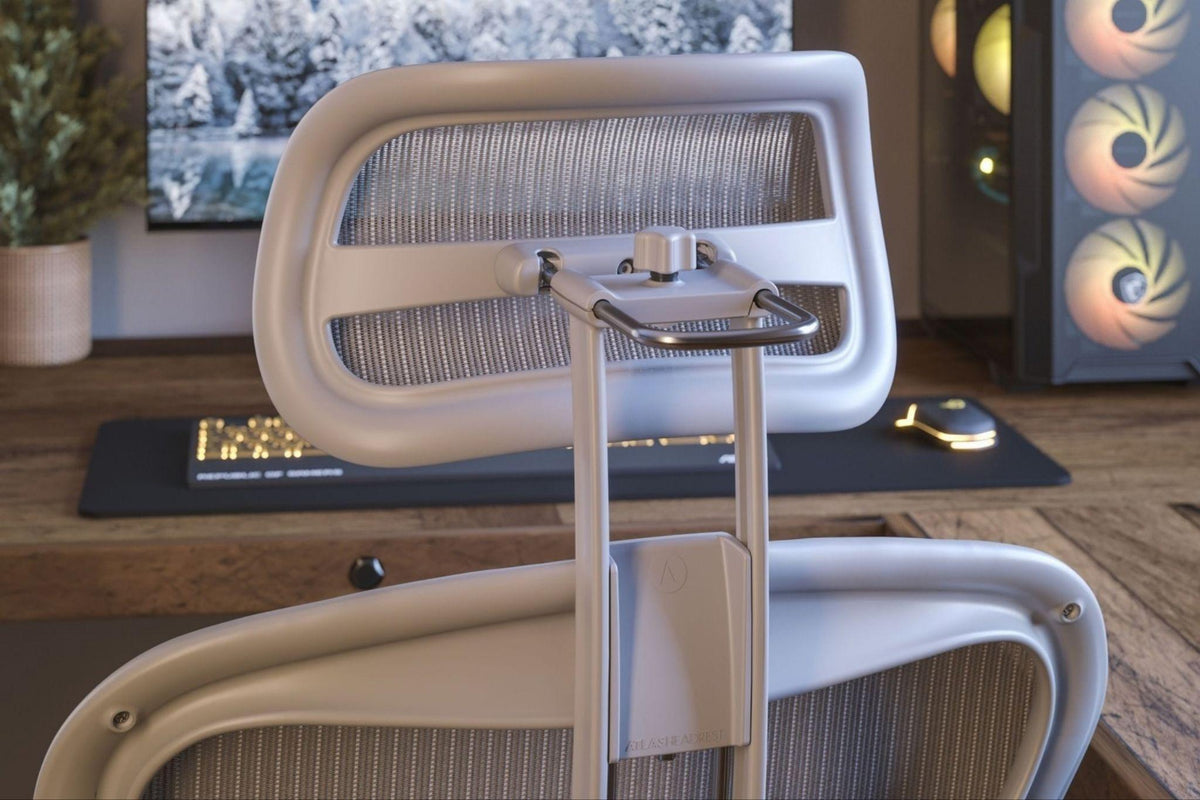
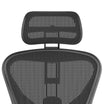
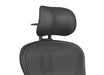
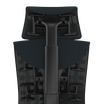
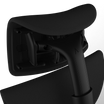
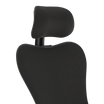
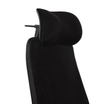
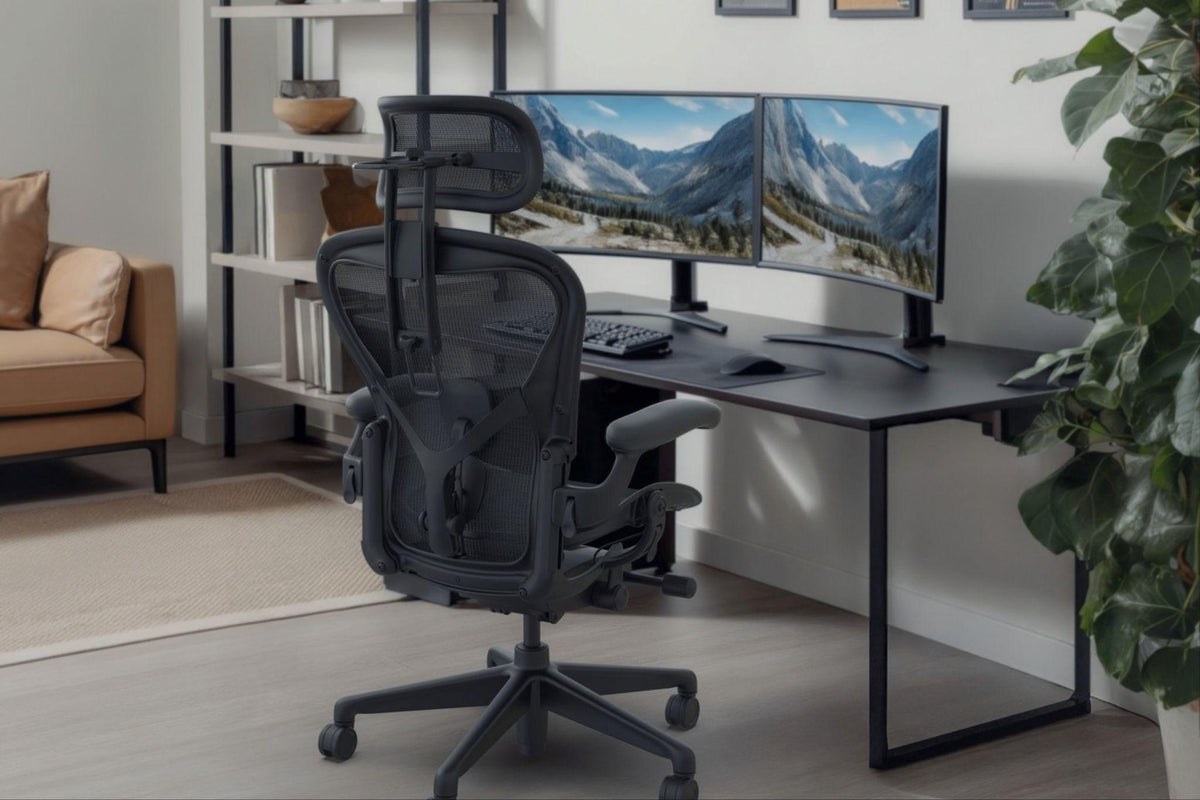
The standard Aeron does not include a factory headrest. If you prefer additional head and neck support while seated, a compatible headrest adds a feature not provided by the original chair.
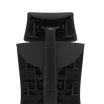
Atlas Headrest makes Aeron-specific headrests for both Classic and Remastered chairs. Atlas Aeron headrests are compatible with sizes A, B, and C. A headrest intended for the other Aeron generation will physically fit, although choosing the model designed for your chair’s generation can provide a closer visual match in materials and finish.
When does an Aeron headrest make sense?
- You prefer additional head and neck support while seated.
- You spend long periods of time working, gaming, reading, or relaxing in your Aeron.
- You want adjustable support that can accommodate different sitting positions throughout the day.
- You want a headrest designed specifically around the Aeron rather than a universal office-chair accessory.
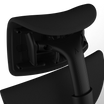
Atlas Aeron headrests offer adjustable height, depth, and angle, allowing you to position the headrest based on your body and preferred sitting position.
Some people prefer headrest support while sitting upright, while others reposition it as they move between focused work, meetings, gaming, reading, relaxing, and reclining. There is no single position that works best for every person or every activity.
A headrest is an optional accessory, not a required component of the Aeron’s ergonomic setup. If you don’t want or need head support, there’s no reason to add one simply because it’s available.
The important consideration is choosing a headrest designed for the Aeron rather than assuming that a generic office-chair headrest will provide the same fit.
4. Add Personal Audio With the Atlas Wireless Speaker
Head and neck support is not the only functionality that can be added to an Aeron.
For owners who already have a compatible Atlas Aeron mesh headrest, the Atlas Wireless Speaker for Aeron Headrest adds personal audio directly to the headrest.
The speaker mounts within the existing Atlas headrest frame and can be installed without tools. It supports standard Bluetooth as well as USB audio through the included dongle.
When does the Wireless Speaker make sense?
- You regularly listen to music or other audio while working.
- You use your Aeron for gaming or watching movies.
- You take calls or attend meetings from your desk.
- You want personal audio without wearing headphones or earbuds.
- You already own, or plan to purchase, a compatible Atlas Aeron mesh headrest.
Bluetooth mode can be used with compatible phones, tablets, Macs, PCs, and other Bluetooth devices. For gaming and other situations where latency matters, the included USB audio dongle provides the lower-latency connection.
The speaker also includes built-in and external microphone options for calls and meetings.
One important compatibility note is that the Wireless Speaker is designed to mount to an Atlas Aeron mesh headrest. It is not compatible with the Atlas Aeron Cushion Headrest.
Before You Buy Identify Your Aeron

Compatibility is one of the first things to check when shopping for Aeron accessories.
The Aeron has been produced in different versions and sizes, and replacement components aren’t necessarily interchangeable between every configuration. In particular, the Classic Aeron and Aeron Remastered have differences that matter when selecting replacement parts.
Here’s a quick starting point:
For Atlas headrest compatibility, you can also use the Atlas Headrest Finder to identify your Aeron’s configuration and find the appropriate option.
Check Your Existing Aeron Adjustments First
Not every comfort issue means a part needs replacing.
Before buying an accessory, check whether your existing Aeron is properly adjusted. Depending on the chair’s configuration, adjustments to seat height, tilt tension, tilt limiter, arm height, and lumbar positioning can affect how the chair feels during the workday.
If your Aeron is having trouble maintaining its height, first make sure the issue is with the cylinder rather than the chair’s height adjustment. Likewise, if your arms feel uncomfortable, adjusting the arm height and position may help if the pads themselves aren’t worn or damaged.
If a component is genuinely worn or no longer functioning properly, however, a replacement may be the more appropriate solution. A headrest or Wireless Speaker is different because each adds functionality not included with the standard chair.
To Sum Up
Upgrading your Herman Miller Aeron chair doesn’t mean replacing the chair. Start with the part or function that needs attention, check compatibility with your chair’s generation and size, and choose an upgrade that addresses how you actually use your chair.
If an existing component is worn, replacing something like the gas cylinder or arm pads can help extend the useful life of an otherwise functional Aeron. If you’re looking to add something the chair didn’t originally include, an Atlas Headrest can add adjustable head and neck support, while the Atlas Wireless Speaker can bring personal audio directly into a compatible Aeron headrest.
The right upgrade ultimately depends on your chair, what it needs, and how you use it.