
Finding a gift for someone who spends most of the day at a desk is harder than it sounds. Another mug will get a laugh. A novelty gadget might survive a week.
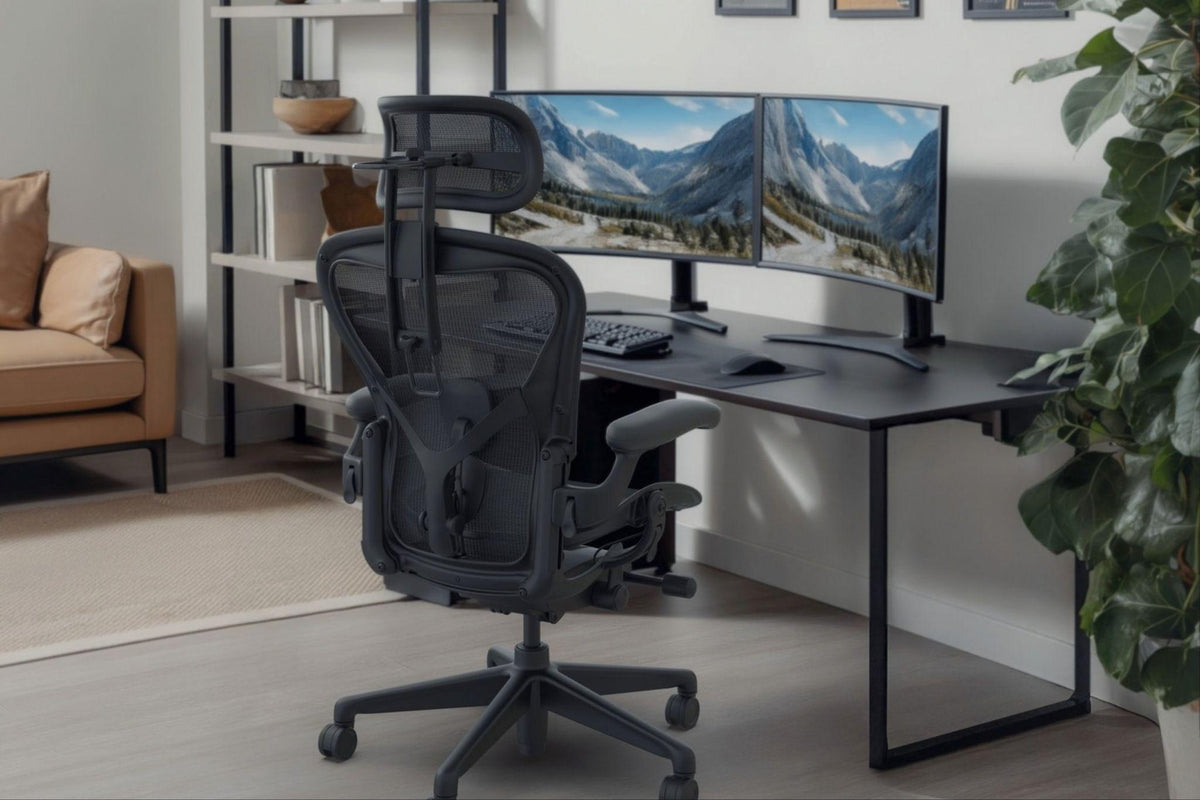
A better option is something that fits the way they already work or play. That could mean a monitor arm for a cramped desk, a few inexpensive organizing accessories, or, if you know their chair, a headrest designed for it.
Chair accessories are the exception to guesswork. Atlas Headrests are made for specific chair models and mounting systems, including the Herman Miller Aeron, Embody, Mirra 2, Haworth Fern, and Steelcase Leap V2. Identify the chair first; then choose the upgrade.
This guide covers practical desk setup gifts across a range of budgets, from chair-specific Atlas upgrades to affordable stocking fillers.
1. Chair Upgrades: Atlas Headrests for Compatible Chairs
A good office chair is an investment. A headrest can make it more comfortable, especially for someone who likes to lean back between tasks, take calls, or pause for a few minutes without leaving your desk.
Atlas Headrest builds headrests for specific premium chairs rather than a universal attachment. That matters when you’re buying a gift. The right headrest depends on the chair’s make, model, and sometimes its exact configuration.
Atlas currently offers headrests for:
- Herman Miller Aeron sizes A, B, and C, with options for Classic, Remastered, and Gaming models
- Herman Miller Embody including standard and Gaming versions
- Herman Miller Mirra 2 Butterfly and TriFlex Back variants
- Haworth Fern
- Steelcase Leap V2
The Atlas Headrest Compatibility Guide is the best place to start if you’re shopping for someone else. Check the chair model before ordering; a headrest designed for one chair will not necessarily fit another.
The Atlas Headrest for Herman Miller Mirra 2 is a good example. Atlas’s headrest fits the Mirra 2 Butterfly and TriFlex Back versions, but not the original Mirra. Similarly, the Leap V2 headrest is not compatible with the Leap V1 or Leap Plus.
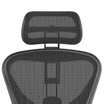
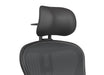
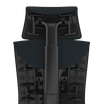
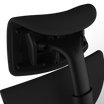
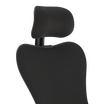
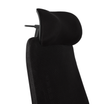
The Atlas Cushion Headrest for Herman Miller Aeron

Owns an Aeron? The Atlas Cushion Headrest swaps the standard mesh feel for a padded surface.
It is designed for Aeron chairs in sizes A, B, and C, including Classic, Remastered, and Gaming models, subject to Atlas’s current product specifications. Fabric and vegan-leather options let you match the finish to the chair or choose something a little different.
This is a particularly easy gift to get right if you already know they have an Aeron. Check their chair’s size and configuration, then choose the material and color that suits their setup.
Wireless Speaker for Aeron Headrest
For a desk worker or gamer who dislikes wearing headphones all day, the Wireless Speaker for Aeron Headrest is a more unusual option.
It integrates speakers into a compatible Atlas Aeron mesh headrest. Bluetooth handles everyday listening, while the included USB audio transmitter provides a direct connection to a computer, useful for PC gamers who want lower latency.
One important detail: this is not a standalone speaker that attaches to any chair. It mounts into the frame of a compatible Atlas Aeron mesh headrest and does not fit the cushion headrest configuration.
It’s important to confirm the recipient’s existing headrest and installation requirements before buying.
2. Ergonomic Desk Accessories for a Better Workstation
A better chair is only part of the equation. The desk around it matters too.
Monitor arms free up surface space and make it easier to reposition a screen. Before buying one, check the monitor’s weight, mounting requirements, and the desk’s construction.
Footrests suit people whose feet hover above the floor at their usual seating height. The right choice depends on their proportions and the relationship between chair and desk.
Keyboard trays can bring a keyboard and mouse closer to a comfortable working position, assuming the desk has enough clearance underneath for installation.
A height-adjustable desk is the bigger commitment. It suits someone who wants to move between sitting and standing, but height range, stability, footprint, and price all deserve a closer look. Atlas recommends Deskhaus standing desks for shoppers considering that route.
Limited desk space? Start with a monitor arm. Setting up a new home office? A height-adjustable desk may be the more useful foundation.
3. Gifts for Gamers: Useful Gaming Setup Upgrades
Gaming setups have their own requirements. The best gift fits the equipment they already own, the space they have, and the way they play.
A monitor arm can help position a screen. Cable management accessories tame a crowded desk. A desk mat gives the keyboard-and-mouse area a cleaner, more unified look.
Chair accessories deserve extra thought. Someone who has invested in a premium gaming chair may appreciate an upgrade that complements it rather than replaces it.
Atlas offers products for supported configurations, including the Herman Miller Aeron Gaming and Embody Gaming chairs. But not every gaming chair is compatible with an Atlas product. Verify the chair model and configuration before choosing a headrest.
Browse the Atlas Gaming Collection to see what’s available and check the relevant product specifications.
4. Desk Setup Gifts Under $50: Stocking Fillers That Are Actually Useful
A thoughtful desk gift does not need to cost a fortune. Six practical options:
Cable management clips or sleeves. Loose cables make even a tidy desk look cluttered. Clips and sleeves keep charging cables and peripheral wires under control.
A desk mat. Gives a keyboard and mouse a defined space while adding a finishing touch. Choose a size that suits their desk.
A compact desk organizer. Pens, sticky notes, chargers, and other small essentials stay within reach instead of spreading across the surface.
A screen-cleaning kit. Cheap, useful, and easy to post. Check the manufacturer’s cleaning recommendations before choosing one.
A small desk lamp. Useful when their workspace needs better task lighting. Consider available desk space and adjustability.
A reusable notebook or planner. For someone who prefers writing things down, it keeps meeting notes, reminders, and daily priorities in one place.
Check current US prices before buying, especially during the holiday season. Two inexpensive accessories can also make a nice coordinated gift.
5. How to Identify Their Office Chair Without Spoiling the Surprise
Buying a chair-specific accessory as a surprise is possible. Identifying the chair first just makes it easier.
Start with these checks:
- Look for the manufacturer’s name. Check the backrest, frame, and other visible areas for a logo. This narrows down the brand before you compare individual models.
- Examine the chair’s design. Backrest shape, armrests, frame, and seat all offer clues. Distinctive features can separate chairs that look similar at a glance.
- Check for a product label. Some chairs have a manufacturer label or identifying information underneath the seat. If you can inspect it safely without moving or dismantling anything, this may help establish the model.
- Compare with official product information. Use the manufacturer’s website to check the chair’s design and identify its model or version. A photograph helps, but it is not final confirmation of compatibility.
- Confirm before ordering. Once you have a likely match, consult the Atlas Headrest Compatibility Guide to check whether the corresponding headrest is supported.
Do not remove chair components, force adjustment mechanisms, or rely on a partial photo as final confirmation of fit.
The Mirra example again: you need to know whether it’s a Mirra 2, not the original Mirra. The same logic applies to Steelcase’s Leap range, where the V2 is supported but the V1 and Leap Plus are not.
Still unsure? Atlas can help, or you can pick a gift that does not depend on the chair at all.
6. How to Choose the Right Ergonomic Desk Setup Gift

Still deciding? Use this checklist to narrow things down.
|
Existing chair |
Manufacturer, exact model, and version |
|
Compatibility |
Whether the accessory supports that specific chair |
|
Workspace |
Available space, desk dimensions, and mounting requirements |
|
Daily habits |
Whether the recipient primarily works, studies, or games |
|
Budget |
Total price and any additional equipment required |
|
Practical value |
Whether the item addresses a genuine need or preference |
Choose a Gift They’ll Actually Use
The best ergonomic desk setup gifts are the ones that suit the person receiving them. A chair-specific headrest can be a considered upgrade for someone with a compatible chair. A monitor arm, desk organizer, or cable management kit may fit another workspace better.
Use this ergonomic desk setup gift guide to narrow down the options, check product details, and choose something practical.
If an Atlas Headrest is on your list, confirm the recipient’s exact chair model before ordering. That small step can mean the difference between a thoughtful upgrade and a gift that doesn't fit.
Browse Atlas Headrest