



You've optimized your mouse DPI, locked in a 240 Hz monitor, and maybe even swapped to faster keycaps. Yet in tight rounds or late-session clutches, your reactions still feel a beat behind.
The variable you probably haven't stress-tested? The chair you've been sitting in for hours. Your seating isn't just furniture, it's the physical platform that either supports or sabotages every visual-to-motor signal your brain sends.
Research in ergonomics and esports performance shows that reducing physical friction in your setup frees up measurable cognitive bandwidth. When your body stops fighting poor support, your nervous system can focus fully on the game.
Here's the evidence-based breakdown of how the right chair sharpens reaction time, what most setups get wrong, and the practical steps that actually move the needle.
But first let's understand…

Why Reaction Time Is More Physical Than Most Gamers Think
Most players think reaction time is purely mental. It's not. Every action in-game follows a chain:
- You see information
- Your brain processes it
- Your body responds
That response depends heavily on your physical state.
If your shoulders are tense, your wrists unsupported, or your neck fatigued, your movements become less precise over time. You may not notice it immediately, but by hour two or three, the difference shows up.
Ever notice:
- Your tracking gets shakier late into a session?
- Your flicks feel less controlled?
- You start reacting a split second slower in clutch moments?
Proper Posture Keeps Your Motor Execution Chain Ready
Every click, keystroke, and controller input travels upstream through a kinetic chain: fingers → forearms → shoulders → postural muscles. When your postural muscles are under excessive load from a chair that doesn't support your spine, that load propagates up the chain and introduces resistance into your motor execution pathway.
What good posture support does:
- Maintains the natural S-curve of your spine, reducing erector spinae activation.
- Keeps the upper trapezius and deltoids at low resting tension.
- Leaves your forearms and fingers operating at full fine-motor capacity.
- Reduces the neural lag between intent and action.
A 2024 study published on medRxiv measured muscle stiffness in players across a two-hour gaming session. Players in ergonomic seating showed 13.7% less stiffness in the mid-trapezius and 4.4% less stiffness in the lower trapezius compared to a standard gaming chair.
Chair features that support this:
- Adjustable lumbar support that contacts your lower spine throughout natural position changes.
- BackFit-style upper spine support that reduces thoracic compensation.
- Recline range that allows a sustained 100–105° seated angle.
Reduced Muscle Fatigue Extends Your Peak Performance Window
Research by Fenety et al. found that active upright posture can only be maintained for approximately 15 minutes before fatigue begins to set in. After that point, the body defaults to a slouch, compressing the diaphragm, restricting oxygen intake, and loading the cervical spine.
For a three-hour gaming session, that means you're spending the vast majority of your time in a degraded postural state unless your chair is actively managing that load.
What the right gaming chair does across a session:
- Distributes your body weight across a larger contact surface, reducing pressure points that restrict circulation.
- Supports the lumbar spine passively so postural muscles can cycle between active and resting states.
- Maintains stable seating geometry so your monitor sightline doesn't drift as the foam compresses.
An ergonomic gaming chair delays that arc. It doesn't eliminate fatigue; it moves the performance cliff significantly later into the session.
Ergonomic Armrests Directly Protect Fine Motor Precision
Armrests set too high create a constant, low-level shoulder elevation, a sustained contraction of the deltoid, upper trapezius, and cervical extensors.
Moreover, armrests set too low create forward shoulder roll and unsupported arm weight, which also loads the shoulder and neck muscles over time.
The correct setup:
- Completely relax and drop your shoulders.
- Set the armrests to meet your elbows at that fully dropped position.
- This is your neutral baseline, not what feels comfortable in minute five.
Most 4D armrests on quality gaming chairs allow adjustment in height, depth, width, and pivot angle. Using all four axes to reach a genuinely neutral shoulder position is one of the fastest reaction-time improvements available without buying any new equipment.
Pressure Distribution Keeps Blood Flow and Focus Consistent
Prolonged gaming sessions reduce blood circulation when pressure concentrates in the thighs and sit bones.
Restricted circulation means reduced oxygenation to muscles, which accelerates fatigue, and reduced blood flow to the brain, which degrades the clarity of signal processing.
What ergonomic seat design addresses:
- Contoured, wide seat pan that distributes weight evenly rather than concentrating on two pressure points
- Waterfall seat edge that reduces thigh compression and maintains lower-leg circulation
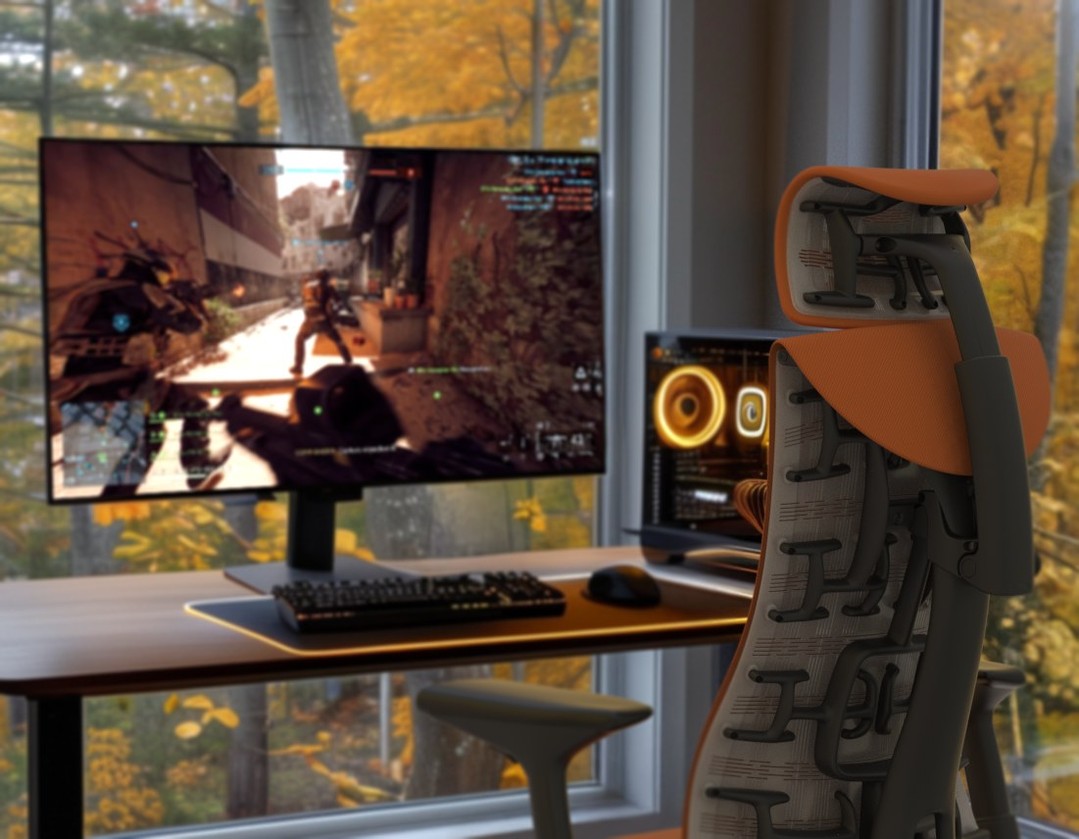
- Pixelated or flexible seat surfaces (like the matrix on the Herman Miller Embody Gaming Chair) that respond to micromovements and prevent static pressure buildup
Pain is not just uncomfortable neurologically; it is a sustained distraction with a measurable cognitive cost. Preventing pressure-related discomfort before it becomes pain is a proactive reaction-time strategy.
Breathable Materials Maintain Thermal Comfort
Heat is a focus killer that most gaming chair guides treat as a comfort issue. It is also a cognitive performance issue.
Cheap gaming chairs often trap heat during long sessions, especially with lower-quality PU leather materials.
Materials that regulate thermal load:
- Breathable mesh back panels that allow continuous airflow
- Copper-infused cooling foam (as featured in the Embody Gaming Chair) that actively dissipates heat buildup in the seat
- Fabric upholstery that wicks moisture and reduces the discomfort that competes with focus
It is one of the gaps that budget gaming chairs consistently underperform on dense PU leather traps heat throughout a session, introducing a thermal degradation variable that compounds alongside fatigue.
The Feature Even Premium Gaming Chairs Leave Out
Many high-end ergonomic gaming chairs focus heavily on lumbar support.
But there's one area even premium chairs often neglect: cervical support.
During gameplay, your neck muscles constantly support the weight of your head, especially when leaning toward a monitor.
On top of that, in breaks, queue times, or reclined moments, unsupported neck positioning prevents those muscles from properly recovering.
That accumulated tension eventually affects the shoulders, arms, and hands. Proper head support:
- Reduces cervical tension
- Helps neck muscles recover between rounds
- Minimizes upper shoulder fatigue
- Supports better long-session comfort
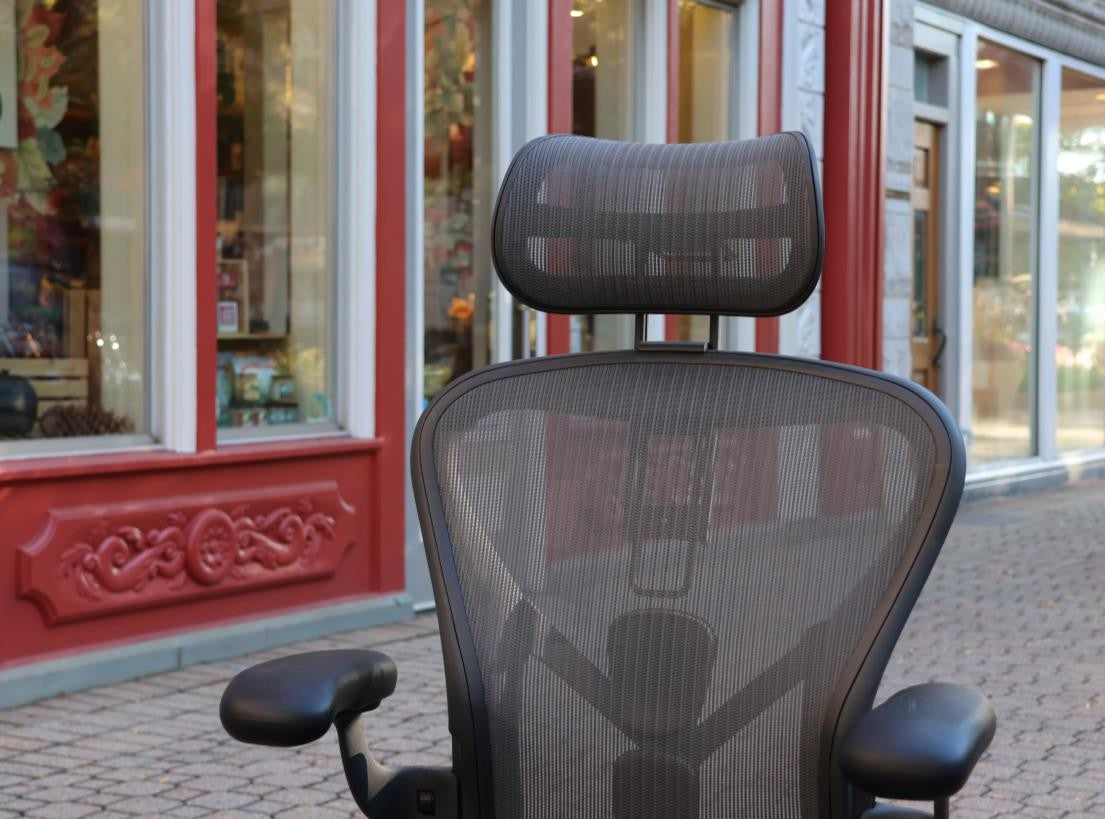
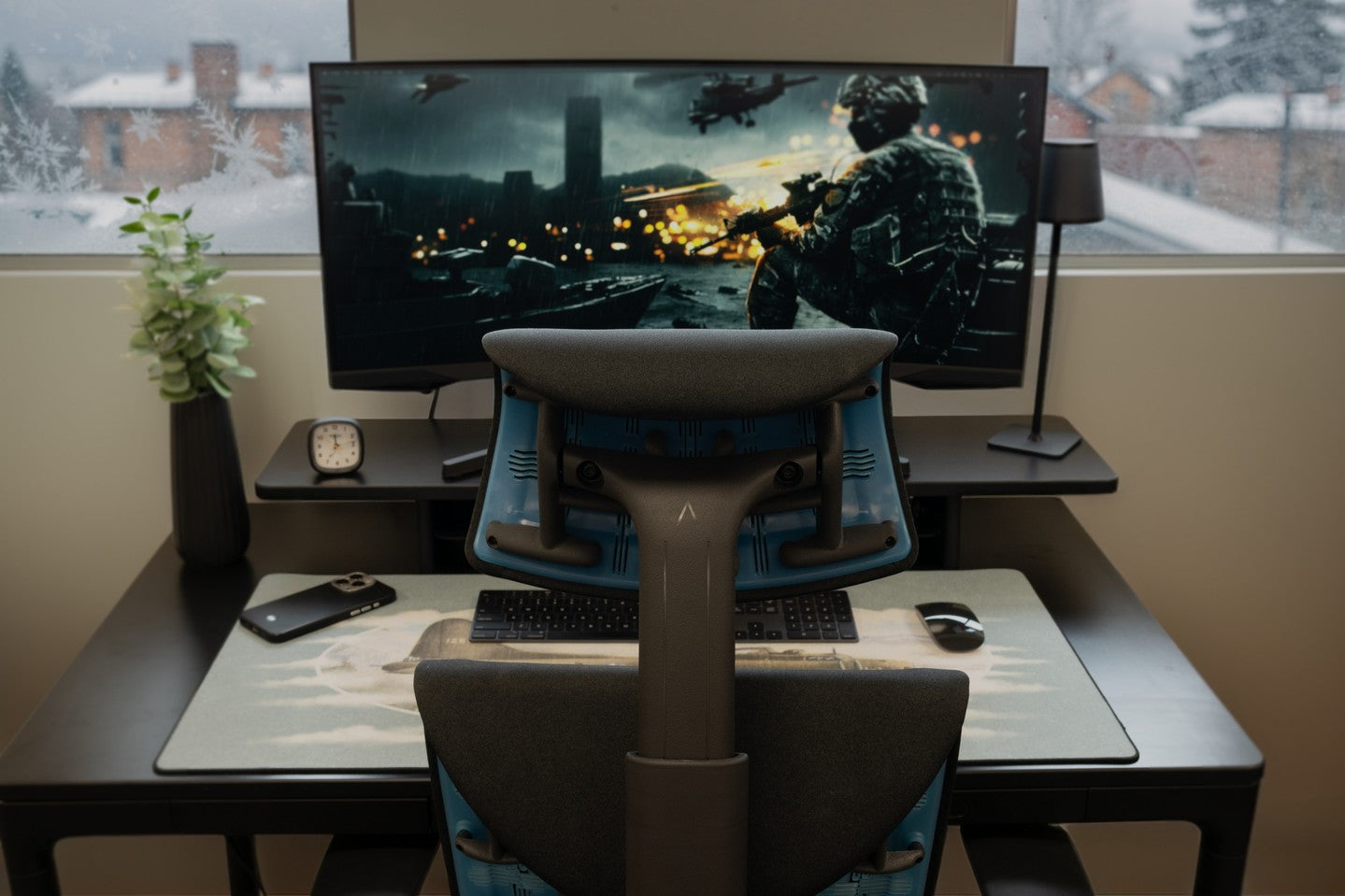
If you already use the Herman Miller Embody Gaming Chair, this is one of the few ergonomic gaps in an otherwise excellent setup.
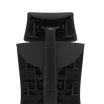
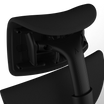
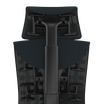
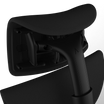
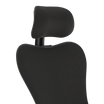
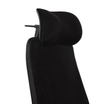
The Atlas Headrest for the Herman Miller Embody Gaming Chair was designed specifically to solve that issue without compromising the chair's original design language or requiring modifications.
What Most Gaming Setups Get Wrong (The Invisible Performance Leaks)
Mistake 1: Setting Up the Chair for Hour One, Not Hour Three
The first 10 minutes of any session are spent in a fresh physical state. The posture that feels natural then is not the posture your body will default to at the 90-minute mark. Configure your chair for the end of the session arc, not the start of it.
Mistake 2: Ignoring Foam Compression Over Time
A chair whose seat foam has compressed by even 10–15mm over months of use has effectively lowered your seating position. If you set your chair months ago and haven't rechecked seat height against your monitor sightline since, recalibrate.
Mistake 3: Sitting at a Strict 90-Degree Upright Angle
The 90-degree posture maximally loads your lumbar erectors, because they're working against gravity with no backrest support. A 100–105 degree recline transfers that load to the backrest without sacrificing alertness or sightline.
Mistake 4: Attributing Second-Half Underperformance to Mental State
When the degradation pattern is consistent across multiple sessions with the same setup, the setup is the more likely variable. Isolated bad days are mental. Repeated second-half dropoffs are physical. If sleep quality and mental factors are stable, the chair configuration is the variable to isolate.
The Gaming Chair Setup Checklist for Competitive Gaming

Run through this before your next session. These adjustments take 15–20 minutes, and the performance benefit compounds across every session that follows.
- Seat Height
The top of your monitor should sit at approximately eye level in a natural upright position. Adjust the chair to the monitor, not to the desk, then readjust the armrests to match.
- Armrest Height
Drop your shoulders completely. Set armrests to meet your elbows at that fully relaxed position. If you've been gaming with armrests higher than this point, you've been carrying unnecessary shoulder tension into every session.
- Backrest Angle
Set to 100–105 degrees. Lock it there. This is not a relaxed posture — it is a sustainable performance posture that reduces lumbar load without reducing alertness.
- Lumbar Contact
Sit fully back in the chair and verify your lower spine is making contact with the lumbar support. A gap means the support isn't functioning. Adjust depth or height until you feel genuine contact.
- Seat Depth
Two to three finger-widths of clearance between the back of your knees and the seat edge. Too little restricts circulation. Too much force pushes you forward and loses backrest contact.
- Head and Neck
During reclined moments, check whether your head has a supported resting point. If not, your cervical muscles are working through what should be recovery time.
What to Look for in the Best Gaming Chair
Not every gaming chair is truly ergonomic. If your goal is better comfort and long-session performance, prioritize features like:
- Adjustable Lumbar Support
Supports the natural curve of the spine and reduces lower back strain.
- 4D Armrests
Allow proper shoulder, elbow, and wrist positioning.
- Dynamic Recline
Helps reduce spinal pressure during long sessions.
- Breathable Materials
Improve airflow and reduce heat buildup.
- High-Density Foam
Maintains support longer without excessive compression.
- Proper Neck Support
Reduces cervical tension during reclined positions.
Want to go deeper on the ergonomics behind setups? Read Ergonomics 101 and get where that conversation lives.
Frequently Asked Questions (FAQs)
Does a gaming chair actually improve reaction time?
Yes, the right ergonomic gaming chair improves reaction time by removing the physical variables that degrade it. No chair changes your baseline neurological speed. What the right chair does is prevent your state from dragging that baseline down.
What is the most important chair adjustment for competitive gaming performance?
Armrest height. Armrests set too high create persistent low-level shoulder elevation, which increases resting tension in the deltoid and trapezius muscles, directly upstream of your hands and fingers. Correcting armrest height to a fully dropped-shoulder position is the single adjustment most directly tied to fine motor precision and consistent input execution.
Is it better to sit upright or reclined when gaming?
For sessions over 90 minutes, a 100–105 degree recline outperforms strict upright sitting. A slight recline transfers that load to the chair while maintaining alertness and delays the muscle fatigue that degrades second-half performance.
Do professional esports players use gaming chairs for performance reasons?
Yes, though the specific reasoning is worth clarifying. Professional esports players benefit less from marketing-driven gaming chairs and more from chairs with genuine ergonomic credentials.
Is a headrest necessary for gaming reaction time?
If you recline at any point during sessions, including breaks and queues, yes. Without cervical support, your neck muscles continue working during what should be recovery intervals.
How long does it take to notice improvement after setting up an ergonomic gaming chair correctly?
Most players report a measurable reduction in end-of-session fatigue and better consistency in late-session performance within one to two weeks of a corrected setup. Postural recalibration, where a new supported position stops feeling unfamiliar, typically takes approximately 14 days.
The Bottom Line
The right gaming chair will not suddenly turn someone into a professional player. But it can remove the physical strain that slowly works against your performance every session.
Better posture. Less fatigue. More consistent focus. Steadier reactions late into a session. That's the real advantage.
Still figuring out which ergonomic adjustments will make the biggest difference for your gaming setup? Read our Atlas Stories blog for deeper insights and contact our Atlas team to find the right ergonomic headrest configuration for your setup.
Your hardware is already optimized. Make sure the foundation supporting it is too!