




Your head weighs 10-12 pounds in a neutral position. The moment you shift it forward even slightly to focus on a screen, which every gamer does, usually without noticing, the effective load on your cervical spine multiplies fast.
A 30-degree forward lean, entirely normal during an intense gaming session, means your neck muscles are continuously supporting the equivalent weight of a small child for hours. Without any surface to rest against or any support to offload that load, those muscles fatigue, stiffen, and eventually protest loudly.
Against this backdrop, let's uncover in detail why proper neck support isn't just about comfort; it's a competitive necessity for anyone serious about long-session gaming.

1. Neck Support Preserves Your Reaction Time and Precision
Reaction time isn't just neurological — it's biomechanical. Every click and micro-adjustment travels through a kinetic chain: fingers → forearms → shoulders → upper trapezius → neck.
When your neck muscles are carrying excessive load from unsupported forward head posture, that tension travels down the chain and reduces fine motor precision in your hands.
Many serious gamers notice their aim feels sharp in the first hour or two, then gradually becomes less precise. This late-session drop-off is often caused by accumulated neck and upper back fatigue.
Proper neck support offloads that constant muscular effort, helping you maintain cleaner flicks, steadier tracking, and faster reactions deep into long matches.
Research in human factors also shows that sustained physical discomfort reduces available cognitive bandwidth. Your brain is forced to run a background process managing postural compensation while trying to process the game.
Doctors have clearly stated that when we have good posture, our bodies are in a more efficient position to move and react. Therefore, leading to improved reaction time, accuracy, and decision-making.
2. Neck Support Prevents the Cumulative Fatigue
Your cervical spine is built for movement, not for holding your head forward-tilted for hours. Even with active support for upright posture, it can be maintained for only about 15 minutes before fatigue sets in. After that, the body naturally defaults to a forward slump.
Here's what that actually means for your neck, as per Surgical Technology International:
- Neutral position: 10–12 lbs of load
- 15° forward tilt: 27 lbs
- 30° forward tilt: 40 lbs
- 45° forward tilt: 49 lbs
Most gamers spend the majority of a long session with a forward tilt of 15–30 degrees. That's your neck continuously managing 27–40 pounds of load without a break.
By the 90-minute mark, your neck muscles are no longer fresh; they're compromised. This is why many players feel sharp early but experience degraded precision, slower decision-making, and more mistakes in the second half of sessions.
Proper neck support gives those muscles actual recovery intervals, extending your high-performance window.
3. Neck Support Reduces Distraction and Mental Load

Every time your neck tightens or your shoulders creep up, your brain has to process that discomfort in the background. This splits your attention even slightly between the game and managing physical tension.
If you've noticed tension headaches arriving reliably around the two-to-three-hour mark, they often originate from the occipital muscles at the base of your skull rather than eye strain.
Proper cervical support cuts off that tension at its source, keeping your mind clearer and more focused for longer.
4. Neck Support Prevents Gamer's Neck and Long-Term Damage
Forward head posture, commonly known as gamer's neck or tech neck, develops when the head stays pushed forward for extended periods. Over time, this creates lasting structural imbalances: tight chest and front-neck muscles, overstretched upper back and rear neck muscles, and a neutral head position that starts to feel like active work.
The Global Burden of Disease 2021 study found that over 206 million people worldwide live with neck pain. For gamers specifically, playing more than three hours daily increases the odds of developing a musculoskeletal disorder by more than five times.
Another study found that more than 60% of gamers already show measurable forward head posture. What starts as post-session stiffness can progress into chronic neck pain, tension headaches, and in severe cases, nerve compression causing numbness or tingling in the arms. Adequate neck support helps prevent this long-term damage and protects your ability to keep gaming at a high level for years.
What "Proper" Neck Support Actually Means
Now that the case is clear, why does neck support matter, and what does genuinely good support look like in practice? A poorly designed or poorly positioned headrest doesn't solve the problem. It can create a new one.
The Contact Point Is Everything
The headrest must contact the base of the skull, the occipital bone, not the mid-neck or the back of the head. A headrest pressing into the cervical vertebrae forces the chin down and the head into flexion, and one placed too high pushes the head forward off the backrest entirely.
Pro Tip: The correct position feels like a natural resting point, with the back of your head nestling lightly against a surface and your spine aligned.
Support During Rest, Not Constant Contact
During active, focused gameplay, you'll naturally lean slightly forward and away from the headrest. That's normal and expected. The headrest isn't for those moments.
Its value is in the intervals between rounds, in queue lobbies, during strategy reviews, while watching a replay, the moments when your head would otherwise hang unsupported.
Three-Axis Adjustability Is Non-Negotiable
A headrest that cannot adjust to your specific geometry doesn't provide support; it provides an obstacle. Effective cervical support requires:
- Height adjustment: to place the contact point at the anatomically correct location for your body proportions
- Depth (fore/aft) adjustment: to achieve light, passive contact without pushing the head forward
- Tilt/angle adjustment: to align with your natural head position through different gaming postures
This is one of the most consistent failings in off-the-shelf gaming chair headrests: fixed or strap-attached pillows that contact the mid-neck at best and shift under load regardless.
Most Gaming Setups Are Missing Neck Support for Long Sessions
Many premium gaming chairs do an excellent job with lumbar and mid-back support. However, they often leave the head and neck unsupported, especially during the natural reclined moments between rounds, in queue lobbies, or while watching replays.
This is the exact gap that creates unnecessary strain for serious gamers. A well-designed headrest that contacts the base of the skull (the occipital bone) rather than the mid-neck provides true offloading and recovery.
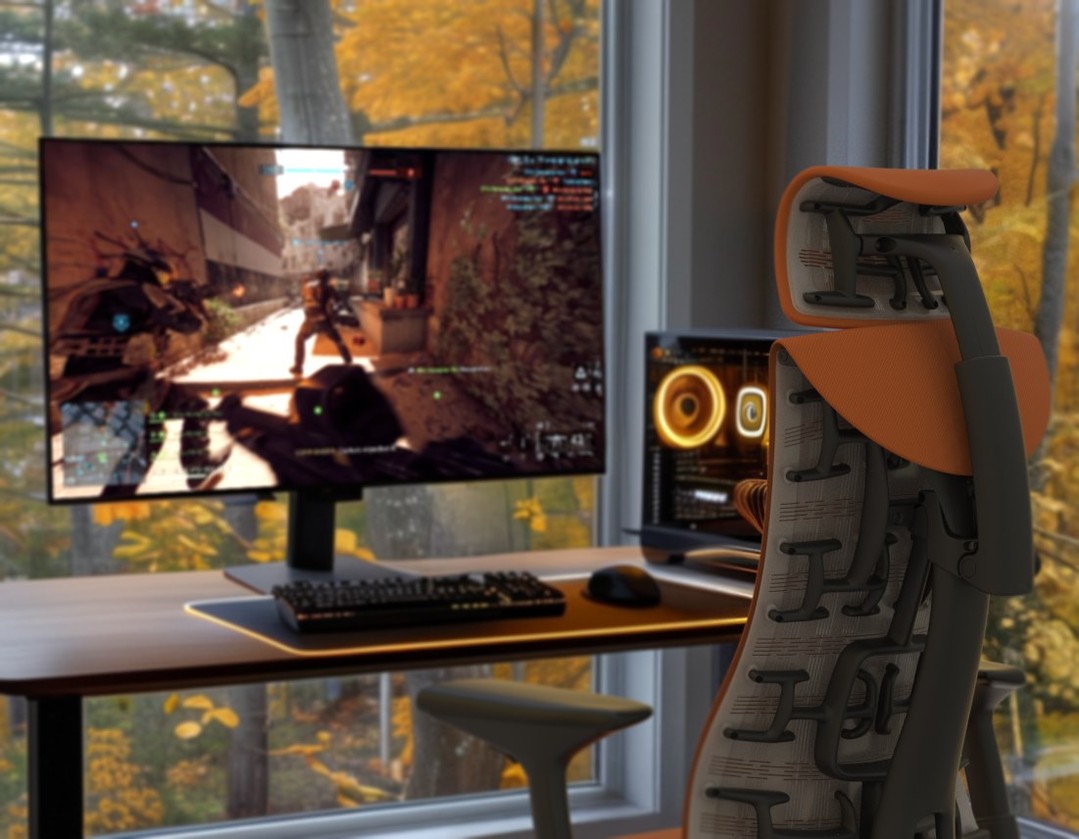
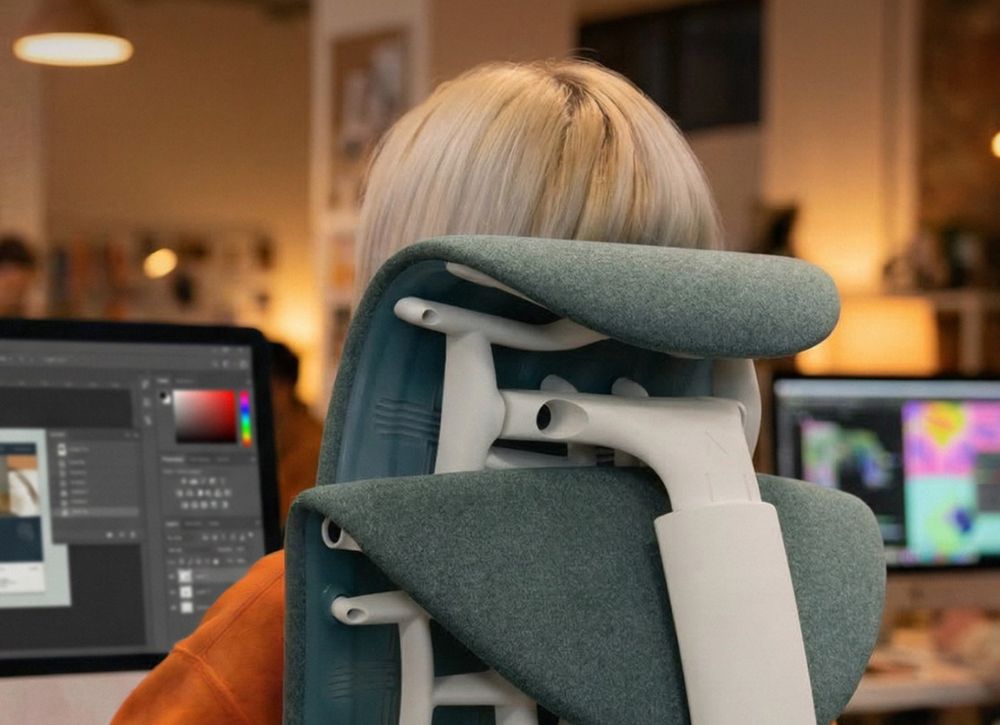
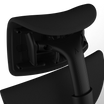
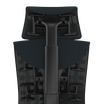
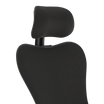
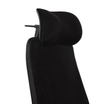
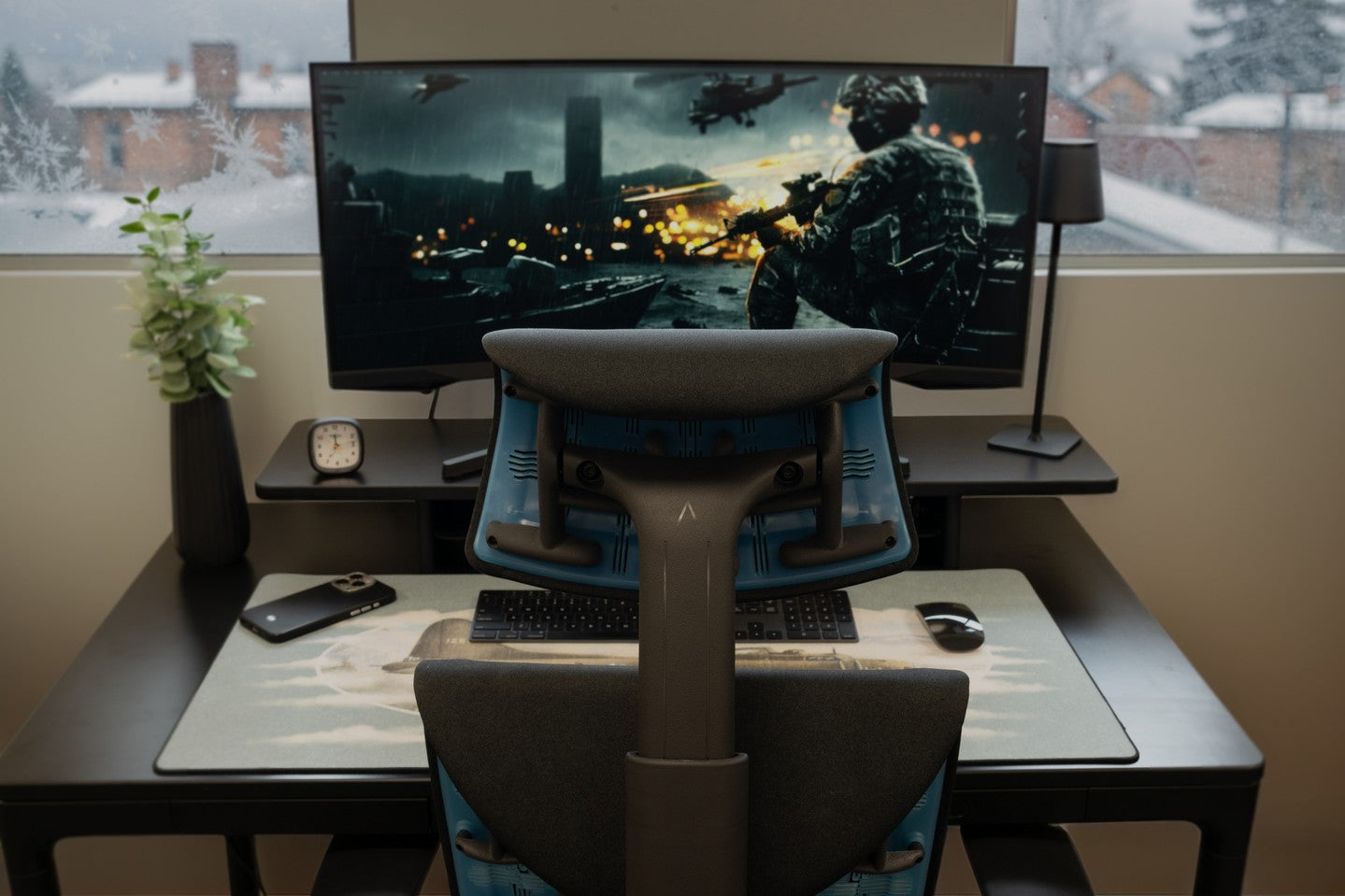
For players using the Herman Miller Embody Gaming Chair, the Atlas Headrest was specifically engineered to close this gap. It integrates cleanly with the chair's geometry and positions support at the anatomically correct contact point.
How to Get Proper Neck Support for Serious Gaming

Quick 5-Point Gaming Setup Check (Before Every Session):
- Monitor height: Top third of screen at eye level.
- Seat height: Feet flat on the floor, knees at ~90°.
- Armrests: Drop shoulders completely and set the armrests to meet your elbows.
- Lumbar contact: Sit fully back with your lower back touching the support.
- Headrest position: Light contact at the base of the skull, not pushing forward.
During Sessions – Use the 20-8-2 Rule:
- 20 minutes seated with supported posture.
- 8 minutes standing.
- 2 minutes moving (walk, stretch, shoulder rolls)
60-Second Posture Reset (Between Rounds):
Sit fully back → Chin tuck (10 reps) → Shoulder blade squeeze → Drop shoulders and reset armrests.
Frequently Asked Questions (FAQs)
1. Why does my neck hurt after gaming if I feel fine during the session?
Cervical fatigue operates below conscious awareness while you're focused on the game. The signals only surface afterward as stiffness, headaches, or shoulder tension.
2. Is the built-in headrest on my gaming chair good enough?
Most stock headrests contact the mid-neck rather than the occipital base. If it pushes your chin down or drives your head forward, it's not providing proper support.
3. Can the gamer neck be reversed?
In most cases, yes, especially when caught early. Consistent posture corrections, exercises, and proper cervical support can realign posture over weeks to months.
4. How long until I notice a difference?
Most players feel reduced neck fatigue within the first 1–2 weeks. More consistent late-session performance usually becomes noticeable around the 14-day mark.
The Bottom Line
Serious gamers need proper neck support for long sessions because the cervical spine was never designed to hold a forward-tilted head without rest for three to six hours straight. The load is real, measurable, and directly impacts both performance and longevity.
The solution starts with the full system, monitor at eye level, proper lumbar contact, dropped-shoulder armrests, and a headrest positioned at the base of the skull.
Want engineering behind setups that serious players actually rely on? Explore the Atlas Stories blog and contact us to know more about your coveted gaming neck support. Your neck carries the session. Give it the support it needs.